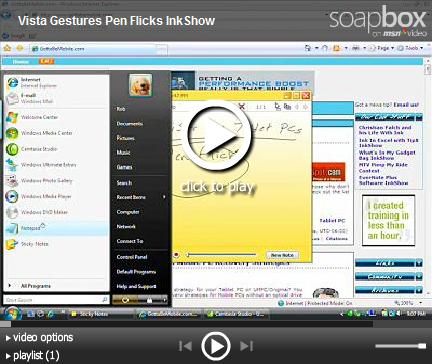
Windows Vista has a brilliant feature for Tablet PC users called gestures or Pen Flicks. You can program gestures to do things that you would commonly do on your PC, like scroll up, scroll down, undo, cut, copy, paste and delete.
Gestures make a lot of sense on a Tablet PC because a pen is so much easier to use than a mouse.
You can program the sensitivity of Vista’s gestures, as well as the actual commands that the gestures trigger. There is even a neat practice tool to help you to get going.
Like the scrolling mouse wheel, once you’ve used Windows Vista gestures, you will find it hard to live without!
Watch a full demonstration of the Windows Vista Gesture tool below thanks to www.gottabemobile.com.